

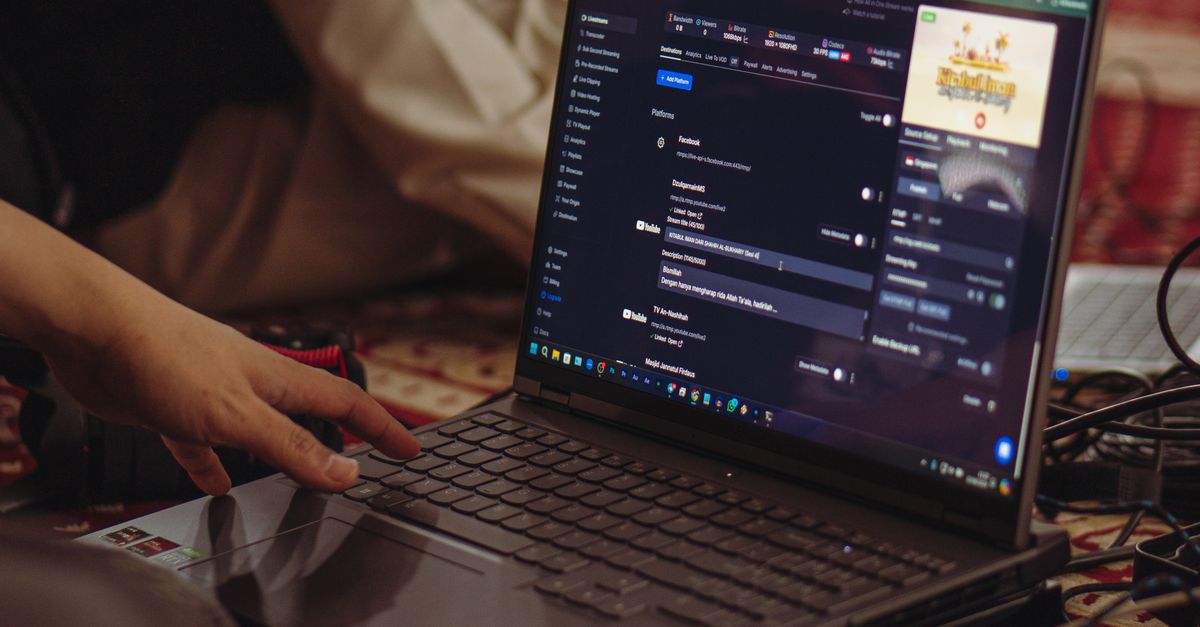
Going live has never been technically simpler. What still takes time is everything around the stream: writing the description, fielding chat, keeping the community engaged between broadcasts, and figuring out what actually landed with your audience. Most creators manage that across a handful of disconnected tools — a streaming platform, a community server, a notes app, a scheduler. askFinz Stream is coming to bring it together.
The work before and after the stream
The thirty minutes you spend live is the visible part. The real time cost is everything around it — planning what you'll cover, writing a compelling title and description, scheduling the broadcast, drafting the post-stream follow-up, keeping community conversations going on the days you're not live. Those tasks exist across different apps, which means they rarely happen as consistently as they should.
Stream brings the supporting work inside the workspace, so the creative energy stays on the content.
What it's built to do
Plan and write before you go live. Describe what you want to cover and let AI help shape it into a stream outline, a punchy title, and a description written for the platform you're on. This isn't about replacing your voice — it's about not spending an hour on copy when you want to spend it on preparation.
Broadcast and manage chat in one place. Go live directly from the workspace and manage your chat, pinned messages, and audience interactions without jumping to a second screen. When questions come in fast, AI can help surface the ones worth answering.
Keep the community engaged between broadcasts. Building an audience isn't just about what happens on-air. Announcements, polls, scheduled community posts, and follow-up threads all live in Stream, so your community hears from you even when you're not streaming.
Understand what worked. After a stream, you want to know what kept people watching and what made them leave. Stream gives you a readable picture of your audience's response so you can make the next one better — without becoming a data analyst to do it.
Who this is for
Independent creators who are doing everything themselves and want more time for the creative work, not the admin. Educators and coaches who run regular live sessions and need to manage a community around them. Brands and teams running live events, product launches, or ongoing shows who want one team workspace rather than individual tool stacks.
If you go live more than once a month, the prep and follow-up time is already significant. Stream is designed to give it back.
Part of a wider workspace
Because Stream sits inside askFinz, what you build there connects to the rest of your work. Research you do for an upcoming stream, copy you draft, community data you want to act on — it doesn't live in isolation. The workspace moves with you.
Stream is coming to askFinz. See what's available now and request early access.
Further reading
- For a broader picture of how askFinz keeps different kinds of work connected: One AI workspace instead of ten browser tabs.
- If you're building a creator business that includes selling directly to your audience, see the related guide: A storefront native to your AI platform.
- The Reuters Institute's annual Digital News Report covers how live and social video formats are changing audience expectations — useful context for any regular broadcaster.